| Deliberate misunderstanding for comic effect of the day, advertisement-based as usual; "Singulair can help you control your child's asthma." What a fantastic idea. "Go to your room." "I don't wanna." "ASTHMA ATTACK! Now go to your room." [00:22] [2 comments]
|
|
Thursday 9 January 2003
|
| Hoorah for ridiculous American justice! If you've purchased any audio media between 1995 and 2000, and you were in America, you can claim probably $20 via a settled class-action suit to do with alleged price-fixing. File a claim here. Read an article about it here. [00:36] [1 comment]
|
|
|
Wednesday 8 January 2003
|
| Another cookery exploit; so-called garlic soup, presumably along the same lines as stone soup, since it involved more potato and onion than it did garlic. A pleasantly simple recipe, if irksome in its fiddliness; finely chop up a bulb of garlic, an onion, and a potato. Add basil, parsley, salt and cilantro. Throw it all in water. Simmer for half an hour. VERY DELICIOUS! [06:15] [6 comments]
|
|
Tuesday 7 January 2003
|
| Random consumerism comedy rears its head again. Not a particularly good one, but probably worth a mention. A ridiculously expensive mug, with "the traveller has no tales to tell" written on it; the barcoded identifier on the back tells us "SF499D - MUG THE TRAVELLER". [10:46] [3 comments]
|
|
| Banking tips for Maryland/DC/Virginia folk; don't use Chevy Chase bank. They suck. I can't even spend half my balance on a single transaction, even if I call and try to specifically authorise said transaction. Whose money is my money? Hint: The answer is in the question. Apparently the bank not only thinks the money isn't mine, they don't even think it's theirs; it belongs to Visa now. "We can't do anything." Apparently a Paypal debit card has a transaction limit three times as large. Screw Chevy Chase, the internet shall henceforth move my numbers. [04:07] [1 comment]
|
|
|
Sunday 5 January 2003
|
| A rather amusing thing to do with the Lunix kernel, for you geeks out there... (cd /usr/src/linux; egrep -ir "(fuck)|(shit)" *) - this produces all the comments in the code with the regular curses in them. There's about 150 instances. Not too bad, really, considering the volume of non-swearing. [04:41] [1 comment]
|
|
|
Thursday 2 January 2003
|
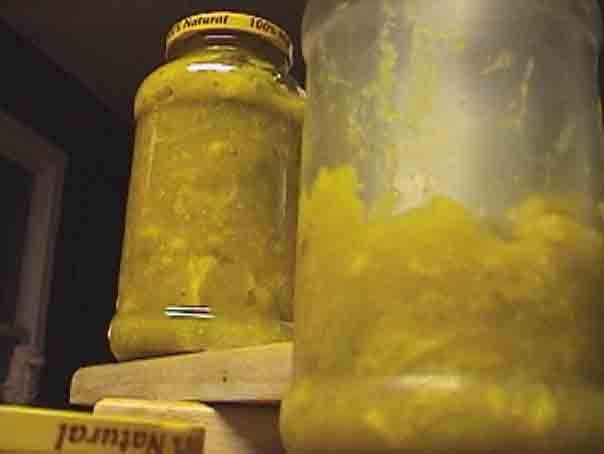
 I mentioned making Picalilli the other day. A while later, I realised that my readers would almost certainly love to see the jars of bile that resulted. Behold! [09:41] [5 comments] I mentioned making Picalilli the other day. A while later, I realised that my readers would almost certainly love to see the jars of bile that resulted. Behold! [09:41] [5 comments]
| Hoorah for purchasing two high-powered laptops on impulse. Online auction-thing about to end, with them going for $1100 each (whereas laptops of similar specs are normally nearer $1500). Both the ladies were wanting laptops, my bank balance was sufficient (and below truth, unlike most), and frivolity compelled me. All techno-lust shall be sated. [08:58] [4 comments]
|
|
|
Wednesday 1 January 2003
|
| What is one supposed to do with bottles of skanky oil? Not pour them down the sink, I know. Not throw them out with other stuff. Then what? The only thing I could think of is that they should be saved up and then used as Molotov cocktails. Holly suggested that, since we're in America, we could save them up and serve them as ordinary cocktails. Fantastic. [02:46] [3 comments]
|
|
|
Tuesday 31 December 2002
|
| We just watched Memento. About time, I suppose, with the plethora of recommendations it's had. Highlight for me; asking Holly, in all seriousness, about an hour and twenty minutes in, "has this been in black and white the whole way through?" I seem to intermittently share in the movie's thematic memory loss. [08:44] [4 comments]
|
|
| |